Shopfloor Dashboard for Monitoring on TVs and Screens
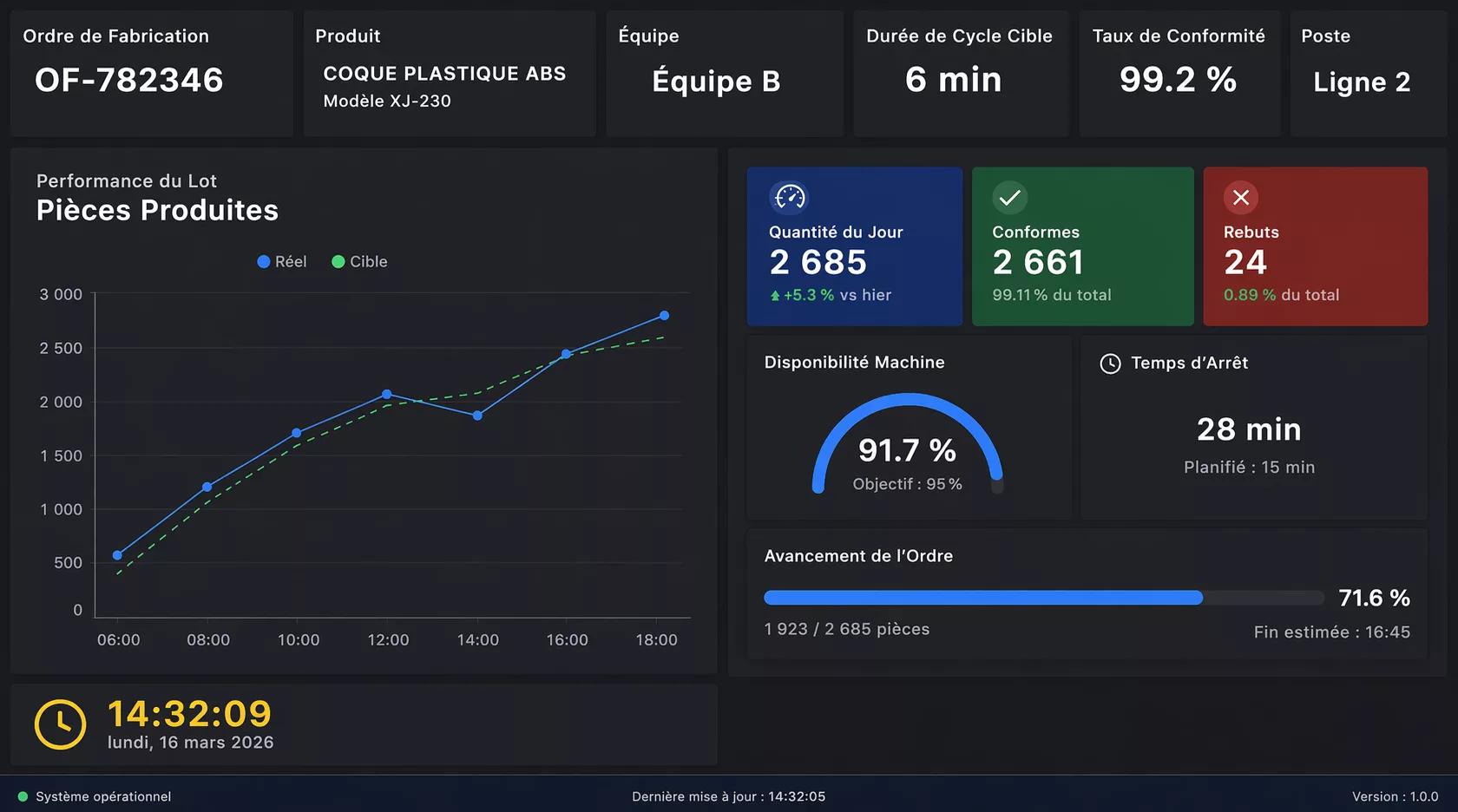
Display KPIs, alerts, and operational data on TVs and remote screens. Manage everything from one place with real-time dashboard software built for fast deployment.
Twinnoverse shopfloor dashboard software helps teams turn any screen into a live dashboard—connected to real data and updated instantly.
Manage all dashboards from a central admin panel
Show real-time KPIs and alerts on TVs and screens
Deploy dashboards remotely without complex setup
Connect APIs, WebSockets, and offline data
Send announcements and updates instantly
Scale dashboards across multiple locations
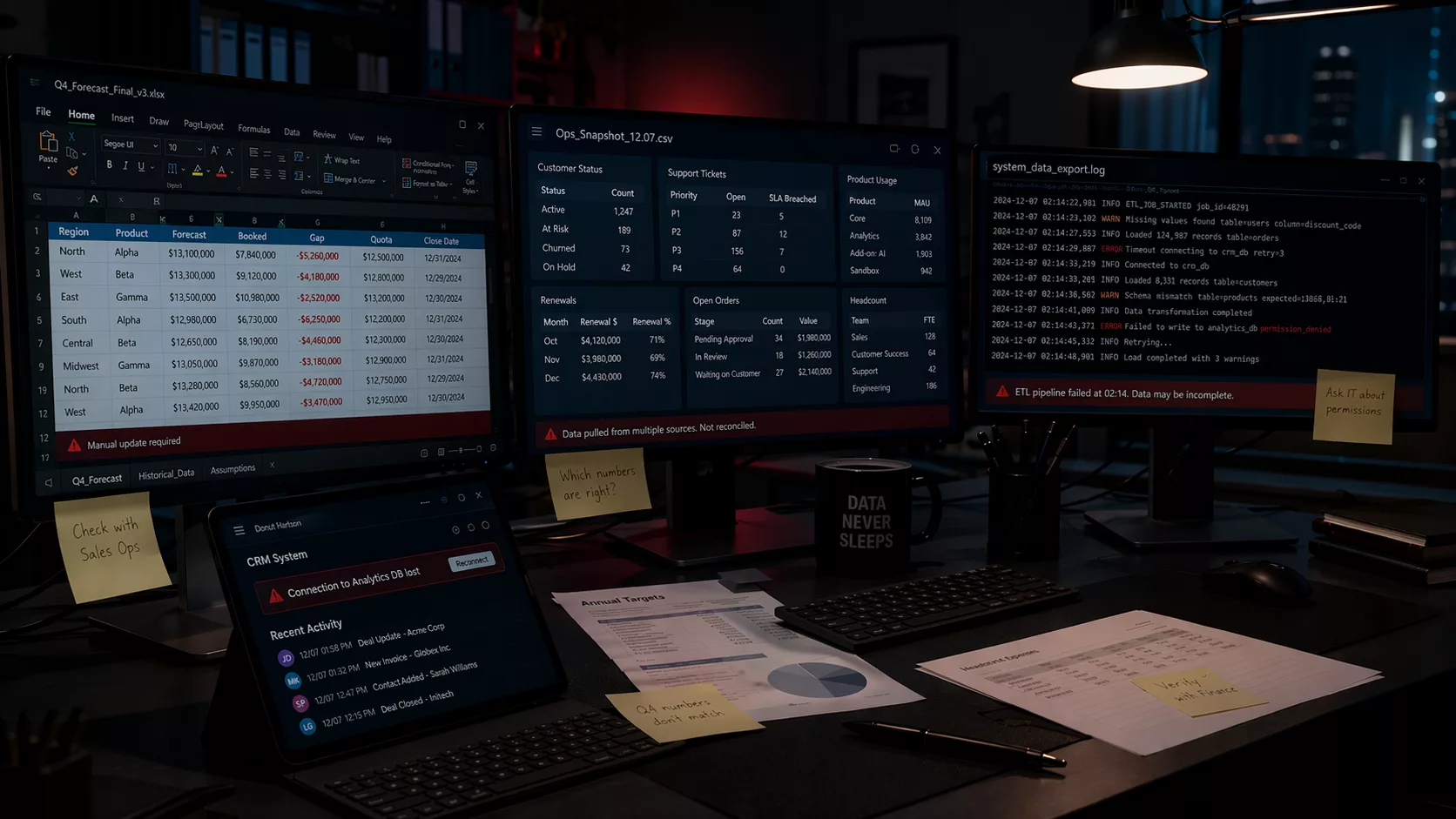
When Screens Don’t Work Together, Visibility Breaks
Most organizations already have dashboards, but they’re hard to manage at scale.
Screens run independently with no central control
Updating dashboards takes time or manual access
Data is inconsistent across locations
Teams miss important updates or alerts
What Is Shopfloor Dashboard Software?
Shopfloor dashboard software is used to display real-time operational data on TVs and screens across work environments. It connects to live data sources and shows KPIs, alerts, and updates in a clear and accessible way.
Twinnoverse goes further by allowing teams to control, update, and deploy dashboards remotely—so every screen stays synchronized without manual effort.
Core Capabilities of Dashboard Software
Centralized Screen Management
Control every dashboard from one place without needing physical access to screens.
Real-Time Data Updates
Keep dashboards continuously updated with live data from APIs, WebSockets, and systems.
Flexible Dashboard Builder
Create layouts that match your operations using a simple drag-and-drop interface.
Multi-Site Deployment
Manage dashboards across multiple locations while keeping everything consistent.
Built-In Communication
Send alerts, announcements, and updates directly to screens when they matter.
How It Works
01
Install
Deploy the dashboard app on TVs or devices.
02
Connect
Link your data sources in minutes.
03
Display
Push dashboards and updates instantly to all screens.
More Than Digital Dashboard
Traditional Dashboard tools display static content.
Twinnoverse dashboard software is designed for operations:
Live data instead of static slides
Centralized control instead of manual updates
Real-time visibility instead of delayed information
Where This Dashboard Software Is Used
Manufacturing
Display production metrics, machine status, and alerts directly on shopfloor screens.
Facilities Management
Show building status, maintenance alerts, and operational updates.
Logistics & Warehousing
Track inventory, flows, and logistics performance in real time.
Healthcare
Monitor operations and system performance across departments.
FAQ
Can dashboards run on TVs?
Yes. Dashboards can be deployed on TVs or devices using simple installation.
Can I update dashboards remotely?
Yes. All dashboards can be managed and updated from a central platform.
What data can be connected?
APIs, WebSockets, IoT systems, and offline data pipelines.